Continuous improvement of access to Concierge.
LATAM's in-app AI travel assistant lived behind one card on Home — and almost nobody tapped it. This is how a content-and-accessibility pass, shipped without a single new component, multiplied access and first messages.
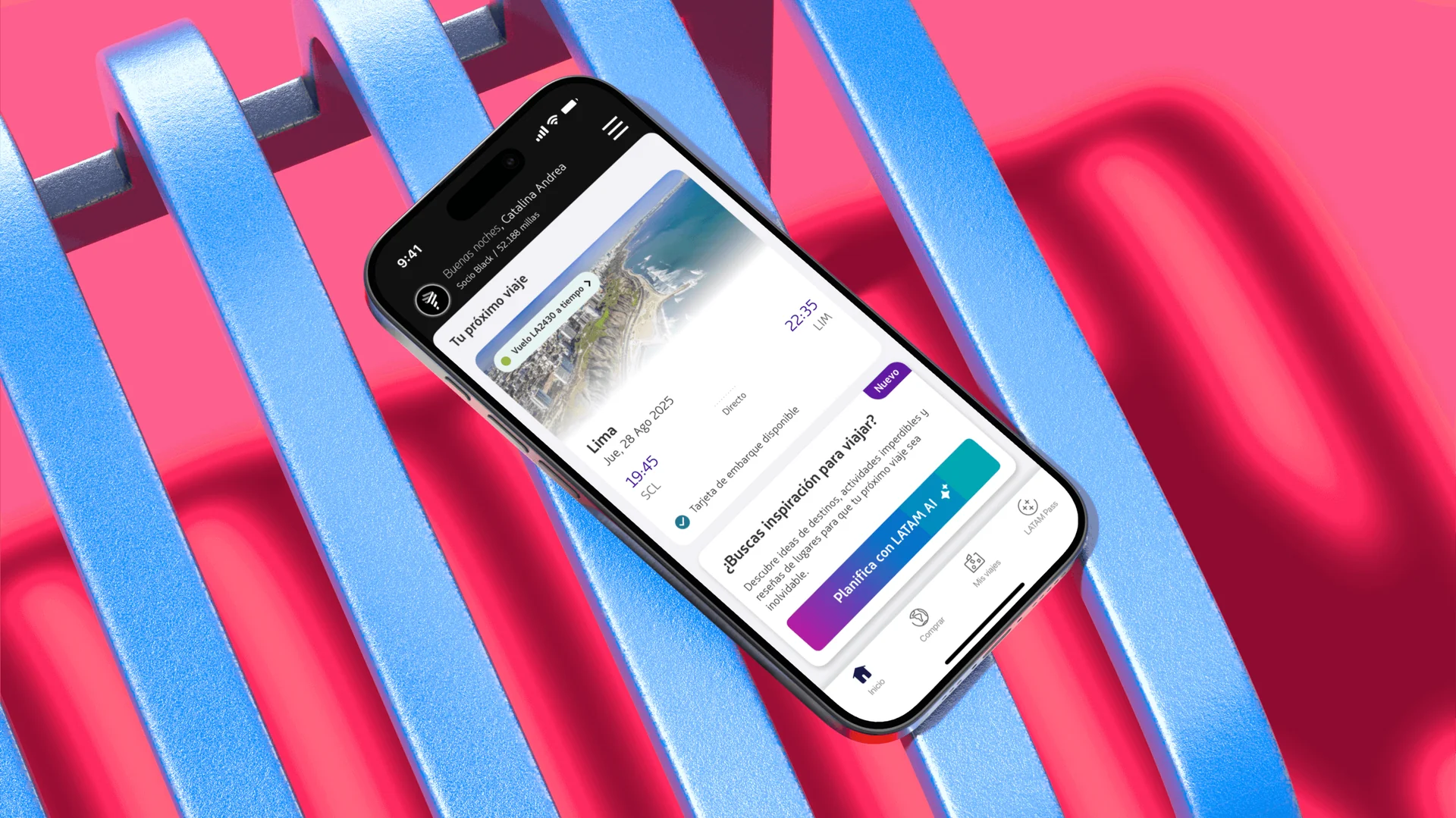
One card. Almost nobody tapped it.
Concierge — LATAM Airlines' in-app AI travel assistant — lived behind a single card on the Home tab. One button on that card was the whole way in.
The ceiling wasn't the assistant. It was the invitation.
The worst-performing reference banner sitting beside the Concierge card was still clearing 10% — ten times the card's rate, for a far less useful feature. That gap said the problem wasn't Concierge's quality; it was that almost nobody knew to start.
For the business: Concierge was a real product bet with engineering behind it, returning nothing while the invitation kept failing. For the user: travellers who'd have gotten real value from the assistant — inspiration, flights, a place to plan from — never saw a reason to open the conversation.
Content, contrast and the suggestion strategy.
Content design across every Concierge entry point on Home and Shop > Flights — the title, description and CTA on each card. The accessibility fix on the access button. And the quick-reply content strategy: mining chat intents in BigQuery and writing the suggestion sets for each user state.
The constraint was real — six weeks, no new components, minimal engineering. Whatever shipped had to be words and pixels on a card that already existed.
Replace the description with quick replies.
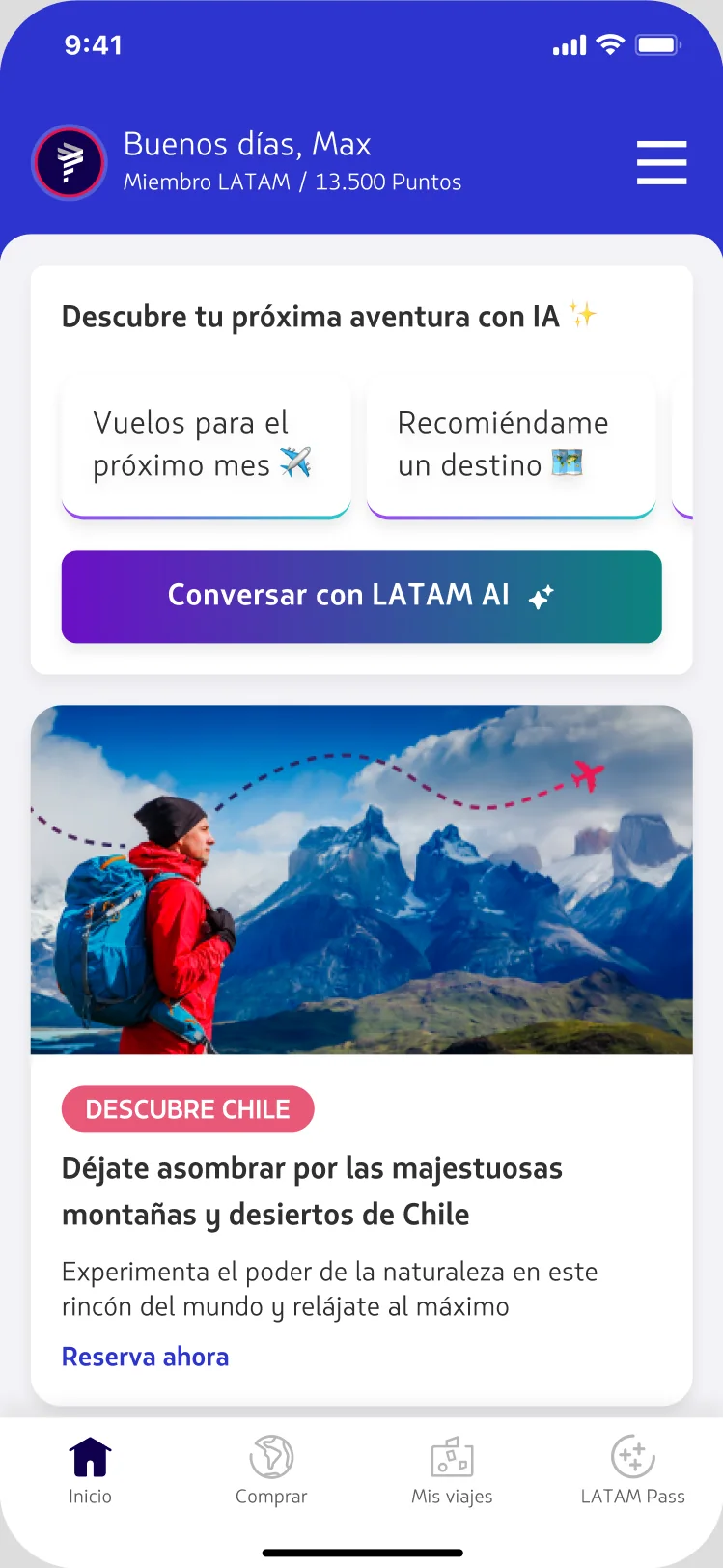
Inside the chat, suggested prompts were already driving 40–50% of all interactions. So we asked a sharper question: what if the card showed those quick replies instead of a paragraph of description? Suggestions don't just save typing — they teach people what Concierge can actually do.
Smaller surface. Less risk. More leverage.
Rewrite the message, raise the contrast.
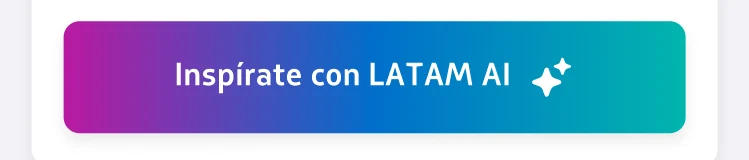
Three moves, each picked because it needed no new component. A content pass on every card's title, description and CTA — drafted with an internal content assistant trained on our voice & tone, a golden set of vetted responses, and outside content-design references. A copy change on the Shop > Flights access button. And an accessibility pass on the button itself, whose tri-colour gradient was failing AA contrast for the label sitting on top of it.
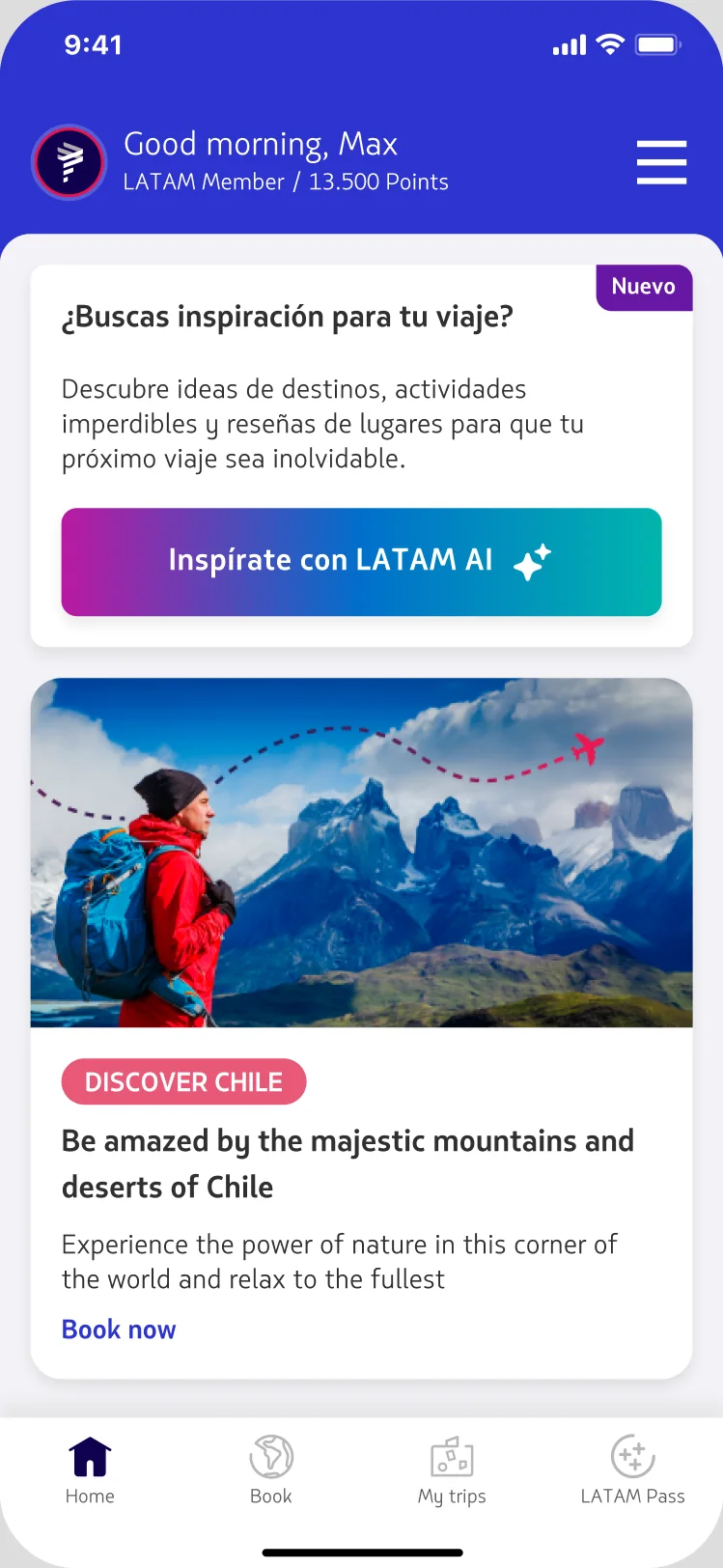
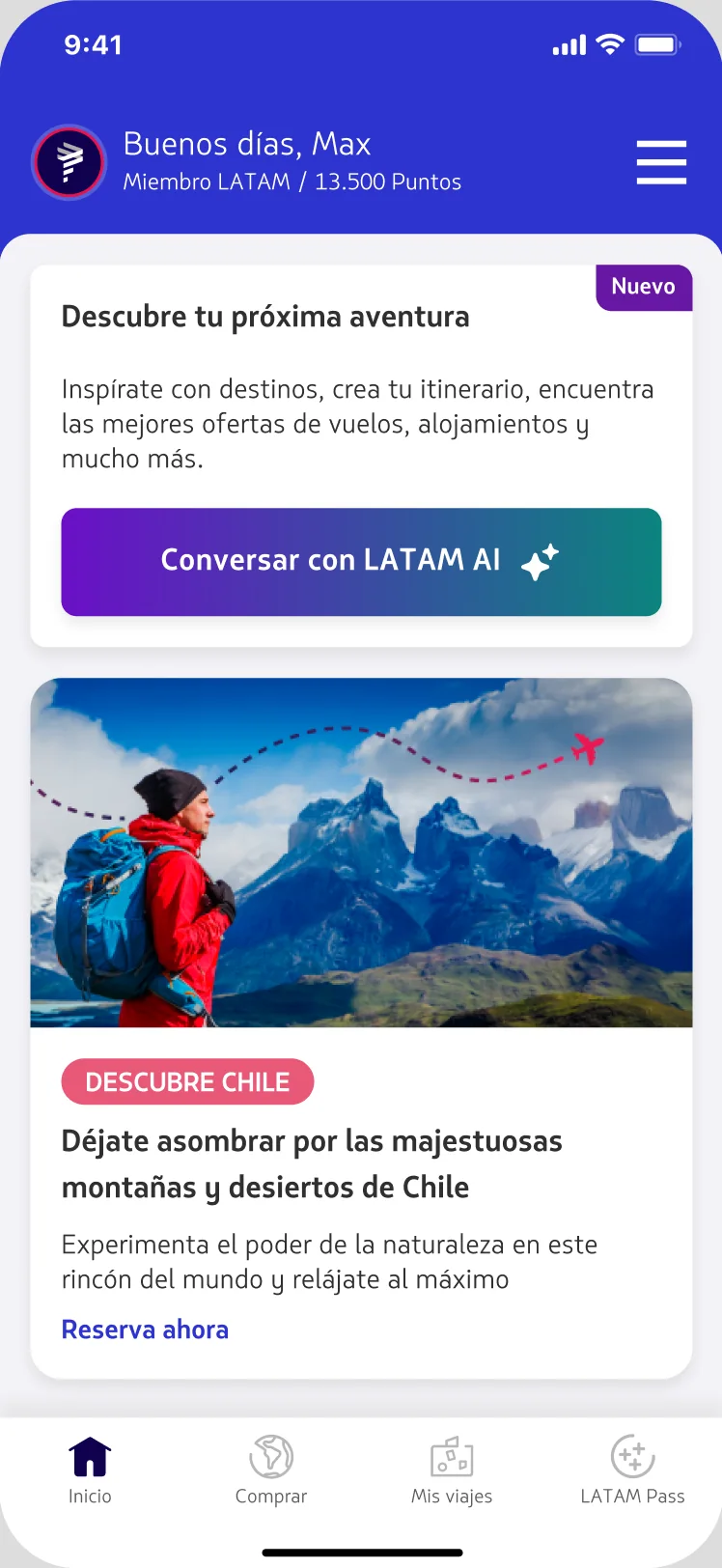
"¿Buscas inspiración para viajar?"
"Descubre tu próxima aventura"
"¿Buscas inspiración para viajar?"
"Eleva tu viaje con IA ✈"
"Descubre ideas de destinos, actividades imperdibles y reseñas de lugares…"
"Inspírate con destinos, crea tu itinerario, encuentra ofertas de vuelos y alojamientos."
"Inspírate con LATAM AI" · "Descubre con IA"
"Conversa con LATAM AI" · "Buscar vuelos con LATAM AI"
Accessibility · contrast pass
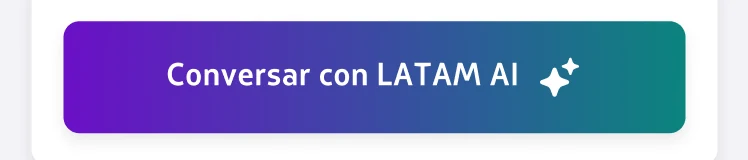
The button's label sat on a three-colour gradient that ran from magenta through a light mid-blue. Over those light tones, white text measured 2.8 : 1 — under the WCAG AA minimum. Re-anchoring it to a two-stop gradient — Purple 700 into Teal 500 — kept the brand energy and pushed contrast to 4.9 : 1.
Shop > Flights · the biggest single lift
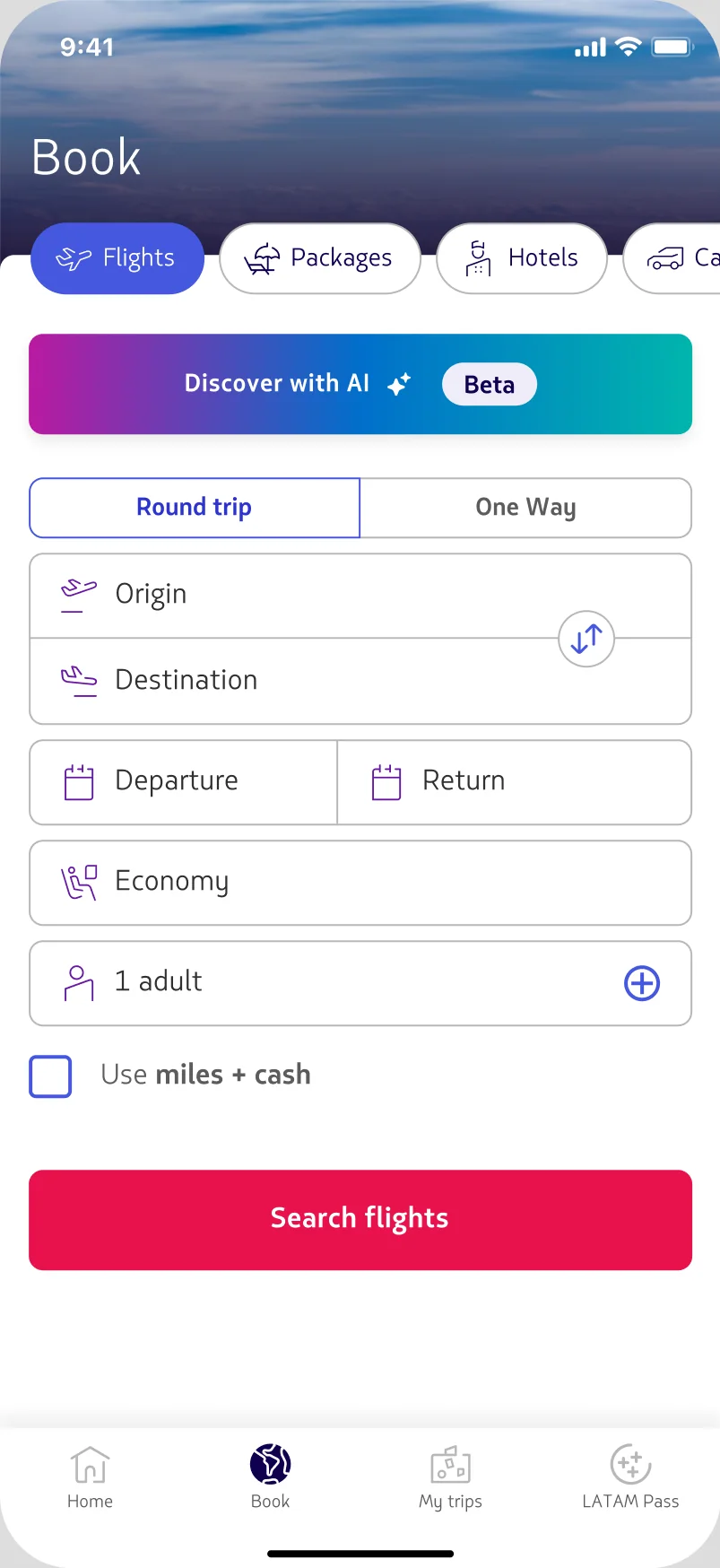
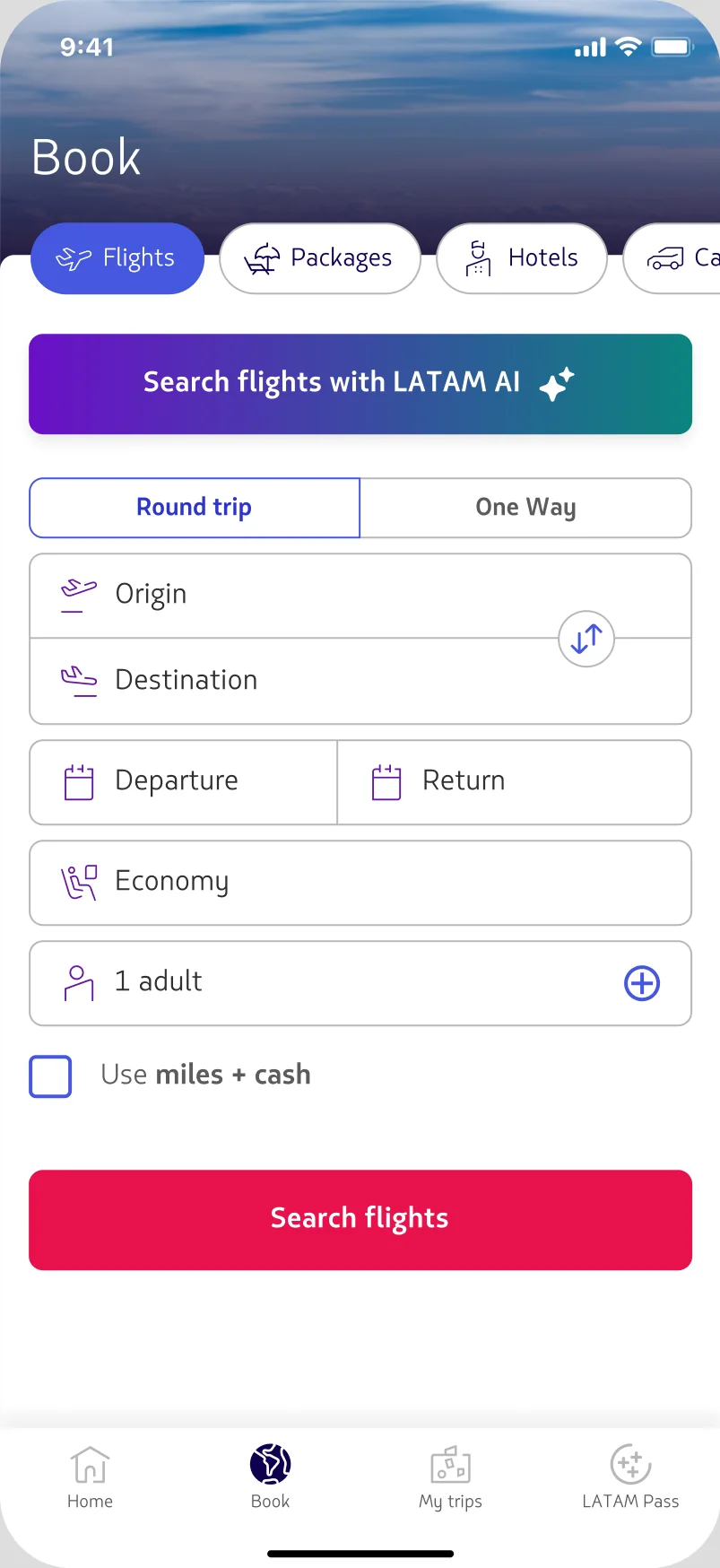
On the flight-search surface, the access button said only "Discover with AI." We made it say exactly what it does for someone already booking a flight — "Buscar vuelos con LATAM AI." Same button, same place, one honest line of copy.
Suggestions · by user state
We branched the quick-reply content by state: no upcoming trip, an upcoming trip, and the 48-hour pre-trip window.
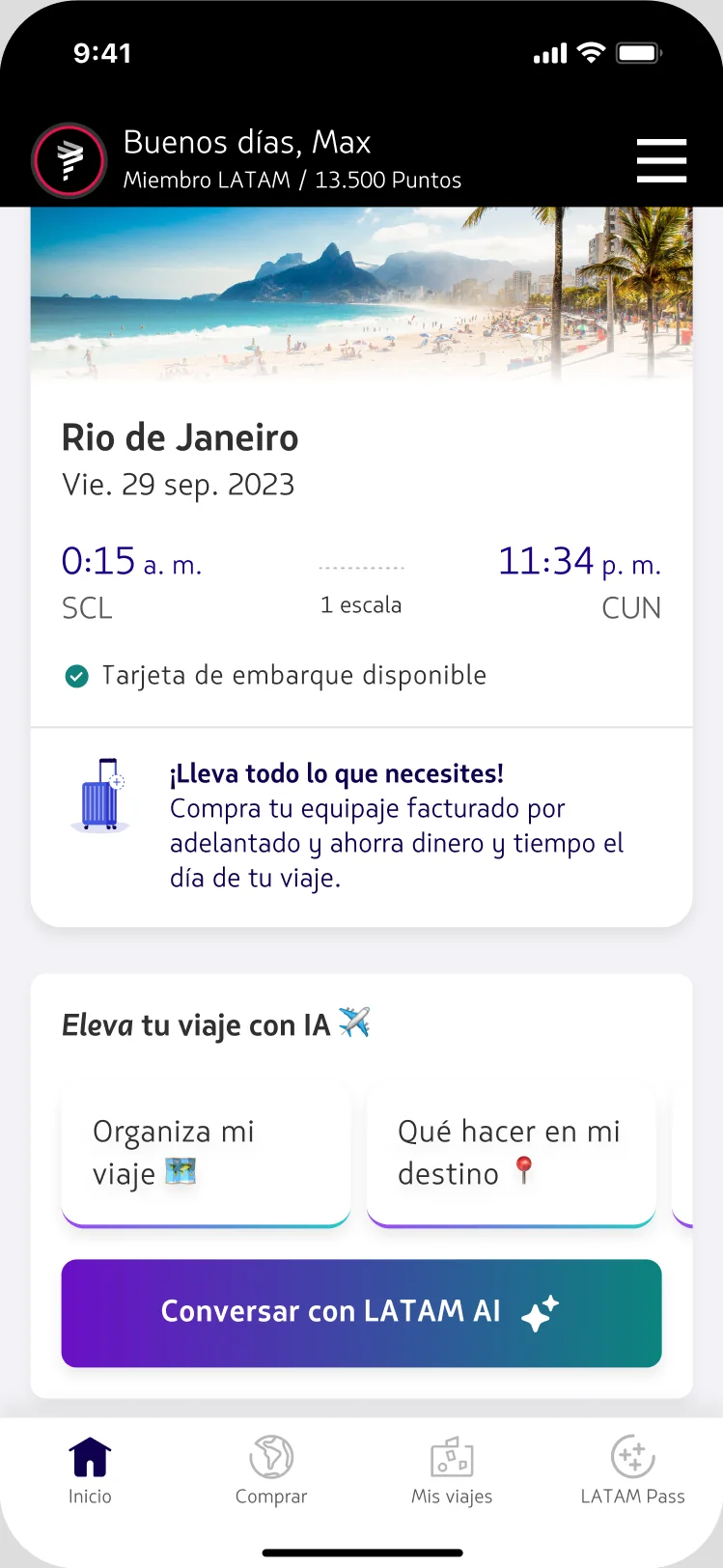
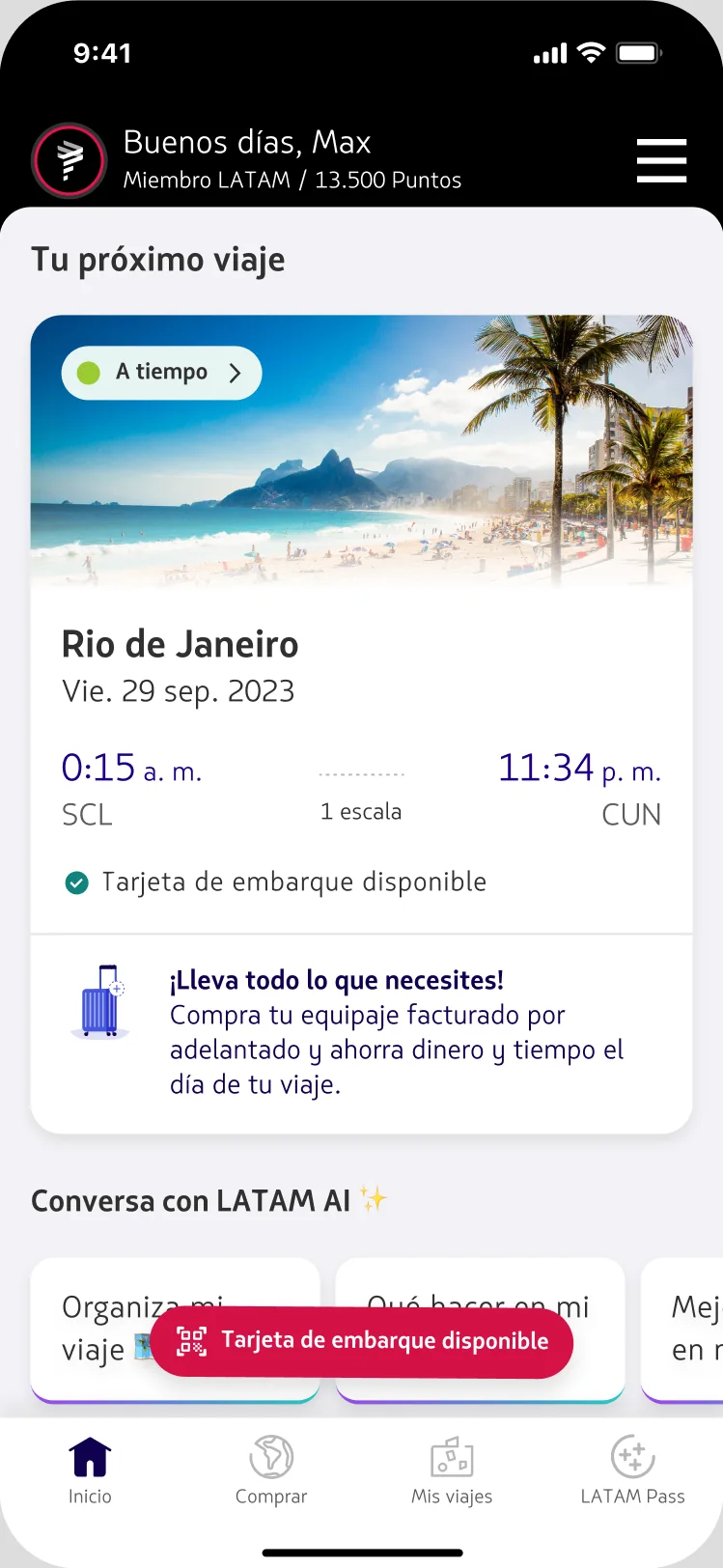
Grounded in data, tested per state.
Every move ran as a controlled experiment, measured on access rate and first-message rate, split by user state. The suggestion sets themselves were grounded in data before a single one was written — seeded from the top user intents in chat, mined in BigQuery.
The 48-hour pre-trip window was the one inconclusive cell — it's being re-tested with a suggestions-only variant.
What shipped.
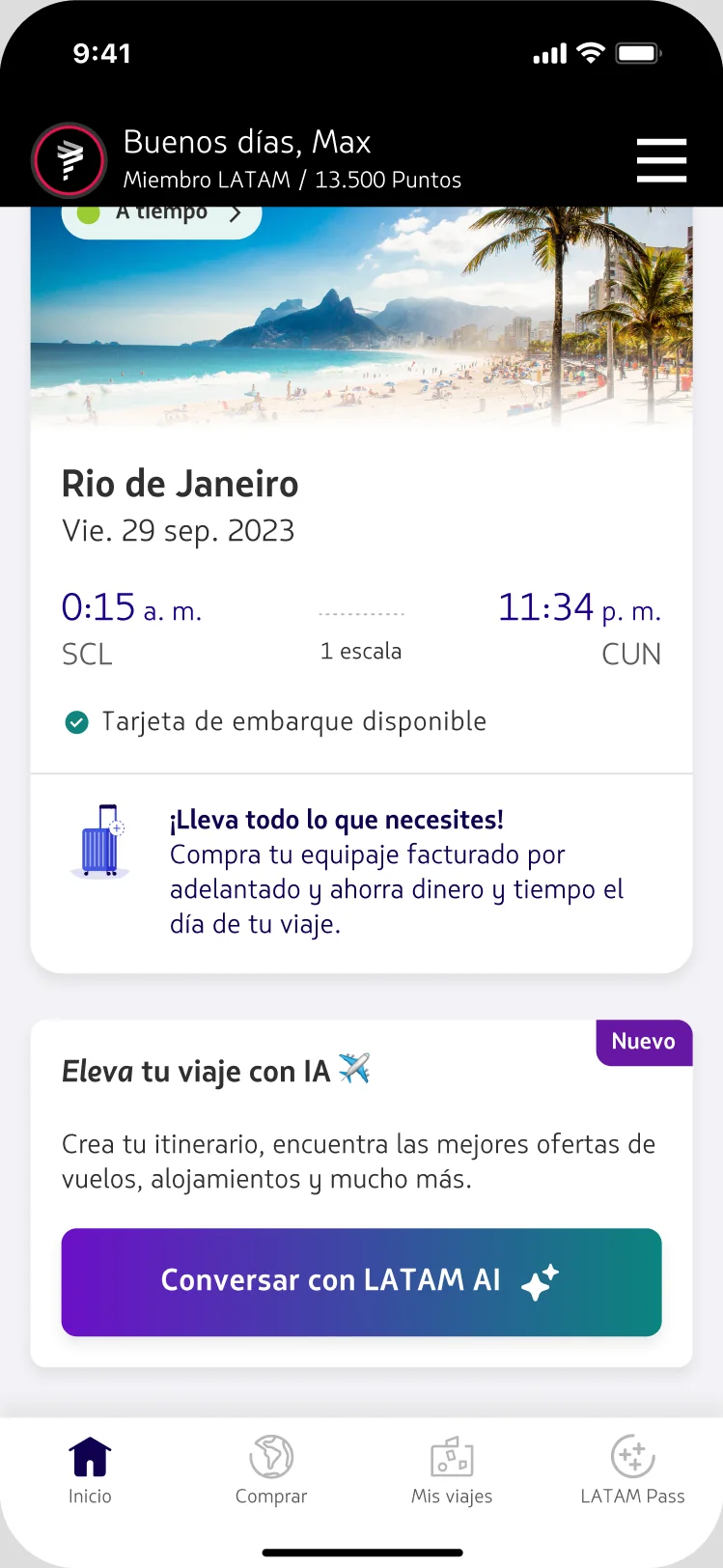
The lift was in the invitation, not the UI.
The biggest lift didn't come from new UI — it came from saying, in the right place, exactly what a button already did. Suggestions went further: they didn't just save a tap, they taught people what Concierge could do.
Content & accessibility, promoted to default. Suggestions set the foundation for the next big bet.